
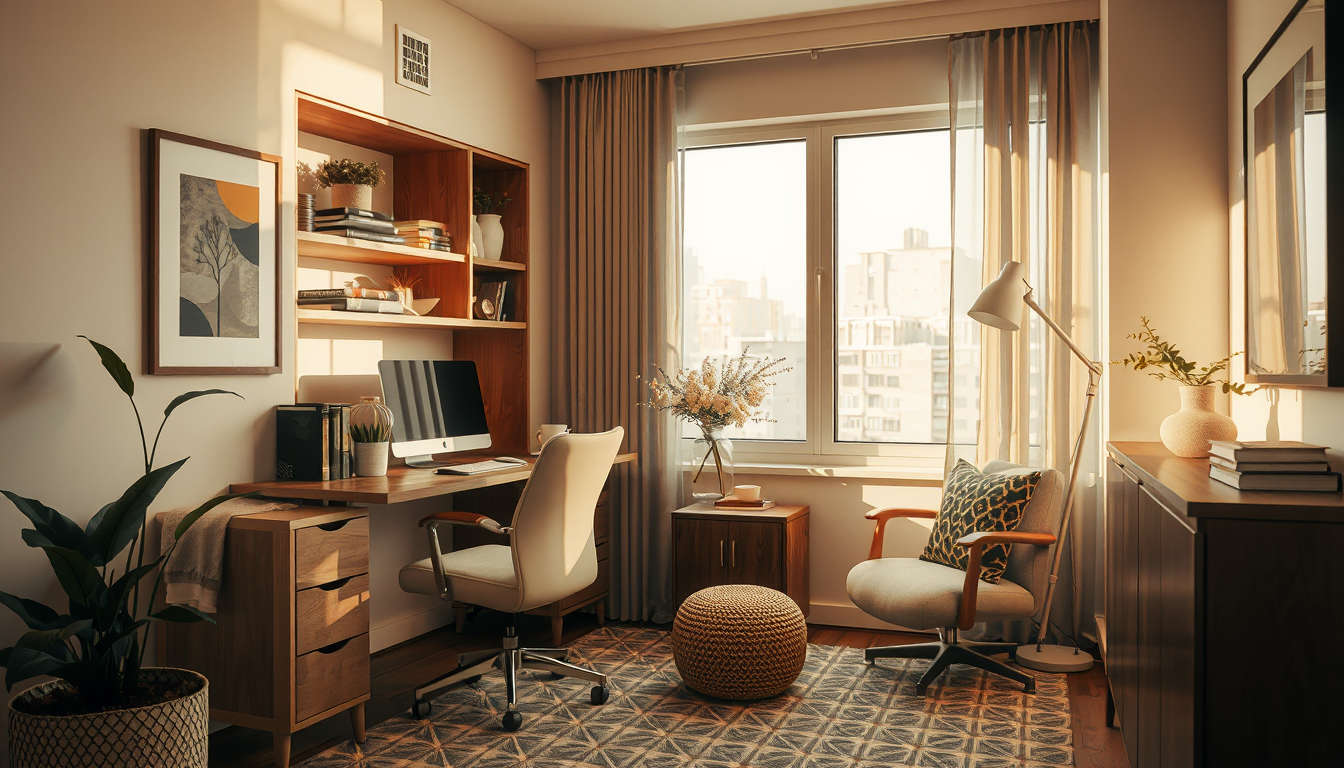
If you’re searching for small home office ideas toronto condo dwellers actually use, here’s the honest truth: your 700-square-foot unit already has a home office hiding in it — you just haven’t found it yet. With new-build condos in Toronto averaging just 660–750 square feet , dedicating an entire room to work is a fantasy for most of us. But constraint breeds creativity. The best condo workspaces we’ve seen at Toronto Interior Designer aren’t carved from spare bedrooms — they’re tucked into hallway nooks, reimagined closets, and living room corners that earn their square footage twice over. This guide shows you exactly where, what, and how.
Why Small Home Office Ideas for Toronto Condos Require a Different Approach
Generic home office advice assumes you have a spare bedroom, a garage, or at least a wide-open basement. Toronto condo living offers none of that. Our floor plans run tight: galley kitchens, combined living-dining areas, and bedrooms that barely fit a queen bed and two nightstands. Add condo board restrictions — most corporations require approval for any permanent structural modification, including removing closet doors or anchoring built-in cabinetry to shared walls — and the popular “cloffice” conversions flooding US design blogs become a non-starter without paperwork and patience.
Yet the need is real. Over 40 percent of Toronto’s downtown workers still maintain a hybrid schedule of two to three remote days per week , and that number has held steady since 2023. Working from a kitchen counter or a couch cushion isn’t a quirky pandemic hack anymore — it’s a design problem that deserves a real solution. The good news? Solving it forces you to think like a designer, not a decorator.
5 Hidden Zones in Your Toronto Condo That Double as Workspace
Shop Compact Work-From-Home Staples
Desks, task lamps, and shelving do more for a condo office than oversized furniture that eats the room.
Toronto Interior Designer may earn a commission if you shop through these links at no extra cost to you.
Before you buy a single piece of furniture, walk your unit with fresh eyes. These five zones consistently deliver usable desk space without sacrificing how the rest of your home functions.
- The entry hallway wall. Most Toronto condos have a 3–5 foot stretch of wall between the front door and the living area. A wall-mounted fold-down desk (16–20 inches deep) turns this dead zone into a laptop station that disappears when guests arrive.
- The bedroom closet interior. You don’t need to remove the doors — just reorganize. Shift hanging clothes to one side, install a shelf at desk height (29–30 inches), and add a plug-in LED strip. Close the doors and your office vanishes.
- The dining table overlap. If your dining table sits against a wall, dedicate one end as a permanent work zone with a monitor arm clamped to the table edge. A simple desk mat defines the boundary between dinner and deadlines.
- The living room window ledge. Many Toronto condos feature a deep window sill or a low built-in ledge running beneath floor-to-ceiling glass. Pair it with a height-adjustable laptop riser and a stool, and you’ve got a workspace with the best natural light in the unit.
- The balcony door dead corner. That 24-inch triangle of floor space beside the sliding door is often wasted on a plant stand. A narrow corner desk fits here without blocking the door track.
For more ideas on making your main living area work harder, browse our living spaces inspiration.
Best Space-Saving Furniture for a Toronto Condo Home Office
Once you’ve identified your zone, the next step is outfitting it with furniture that won’t trigger a condo board notice. The golden rule: if it mounts with screws into drywall (not structural walls) and comes down without a trace, you’re almost always in the clear. Here’s what works.
| Element | Recommendation | Budget Range (CAD) | Works Best In |
|---|---|---|---|
| Desk | Wall-mounted fold-down (e.g., IKEA NORBERG or EQ3 float shelf) | $80–$250 | Hallways, bedroom walls |
| Monitor support | Clamp-on monitor arm (fits tables up to 3 inches thick) | $40–$120 | Dining tables, window ledges |
| Chair | Compact ergonomic task chair (look for narrow base, no armrests) | $250–$500 | Anywhere with 24+ inches of clearance |
| Lighting | Clamp-on LED desk lamp, 500+ lux at surface | $50–$150 | Closet offices, dark nooks |
| Storage | Pegboard or magnetic wall panel (Command strip mounted) | $30–$80 | Above any desk zone |
| Cable management | Under-desk cable tray + single power bar | $25–$60 | Every setup |
A functional micro home office — wall-mounted desk, task light, cable management, and a decent chair — can be assembled for $800–$1,500 CAD using Canadian retailers like Structube, EQ3, and IKEA Canada. That’s less than two months of coworking space fees downtown.
“The best condo home offices don’t look like offices at all. They look like a thoughtful corner of a well-designed home — and they fold away when the workday ends.”
Lighting, Acoustics, and Video-Call Setup for Small Condo Offices
Great furniture in a poorly lit nook still feels like a punishment. A closet office or hallway desk often means no natural light and a blank wall behind you on Zoom — but both problems are solvable, and fixing them is what separates a functional workspace from one you’ll abandon within a month.
Lighting comes first. CSA guidelines recommend a minimum of 500 lux at desk level for sustained reading and screen work . Most condo rooms rely on a single recessed pot light that delivers maybe 200 lux at desk height. Fix this with a clamp-on LED task lamp rated at 800–1,000 lumens in a neutral 4,000K tone — bright enough to work, warm enough to live with. Position it to the left if you’re right-handed (and vice versa) to minimize shadow on your writing surface.
Acoustics matter in open-plan layouts. A heavy curtain panel hung behind your desk chair absorbs enough echo to clean up video calls noticeably. Acoustic felt tiles (peel-and-stick, removable) work even better in closet setups and double as a pinboard for notes and project visuals.
Your backdrop is part of your brand. A floating shelf with two or three objects — a plant, a book stack, a small print — beats a bare wall or a virtual background every time. Keep it simple and intentional: choose objects with varied heights and avoid anything reflective that catches your desk lamp. Check out our decor accents guide for styling ideas that read well on camera.
Real Small Home Office Ideas Toronto Condo Owners Built Under $2,000
Design theory is useful, but seeing what real people have actually built is better. At Toronto Interior Designer, the setups we see working best share three traits: they’re reversible (no condo board drama), they define a clear boundary between work and home life, and they cost less than most people expect.
One client in a 680-square-foot King West one-bedroom turned a 22-inch-deep hallway niche into a full workstation: IKEA ALEX drawer unit, a butcher-block shelf cut to fit, a monitor arm, and a curtain on a tension rod to hide it all after hours. Total spend: $620 CAD. Six months later, she reported fewer neck issues and a full hour of reclaimed productivity each workday compared to her old couch-and-laptop routine.
Another in a Yonge-and-Eglinton two-bedroom used the bedroom closet approach — shelf at 30 inches, LED strip, and a compact task chair that tucks inside when the doors close. She added a USB-powered ring light for video calls. Cost: $410 CAD, and the closet still holds half her wardrobe.
These aren’t magazine fantasy builds. They’re real, budget-honest solutions for the way Toronto actually lives and works. For broader renovation considerations, our renovation tips archive covers what you need to know before making any permanent changes.
What to Do Next
- Walk your condo today and identify the two or three hidden zones from the list above that apply to your floor plan.
- Measure before you shop. Record the width, depth, and height of each potential zone — a 16-inch-deep surface is the minimum for a laptop-and-monitor setup.
- Set a budget between $500 and $1,500 CAD and prioritize in this order: desk surface, task lighting, ergonomic seating, then storage and aesthetics.
- Check your condo’s declaration or rules before drilling into any shared or structural wall — a quick email to your property manager saves headaches.
- Start with one zone. Test it for a full work week before investing in upgrades or a second station.
Small home office ideas toronto condo owners can actually execute don’t require a renovation — they require a shift in how you see the space you already have. Measure a nook, mount a shelf, plug in a good light, and you’re working.
Make the Setup Feel Finished
Upgrade your office corner with better lighting, smarter storage, and one or two elevated pieces that keep it from feeling temporary.
Toronto Interior Designer may earn a commission if you shop through these links at no extra cost to you.
Sources
- Urbanation condo market data — https://www.urbanation.ca
- Toronto Region Board of Trade — https://www.bot.com
- CSA Group Z412 standard — https://www.csagroup.org
Frequently Asked Questions
How do I set up a home office in a small Toronto condo without renovating?
Use reversible solutions like wall-mounted fold-down desks, clamp-on monitor arms, and closet shelf conversions. These require no structural changes and won’t conflict with condo board rules. A functional micro office can be assembled for $500–$1,500 CAD.
Where is the best spot for a desk in a 700-square-foot condo?
The entry hallway wall, a bedroom closet interior, and the dead corner beside a balcony door are the three most underused zones. Measure each space first — you need at least 16 inches of depth for a laptop-and-monitor setup.
Do I need condo board approval to build a home office in my unit?
For removable setups like fold-down desks and Command-strip-mounted pegboards, approval is typically not required. However, any drilling into shared or structural walls usually needs written permission. Check your condo’s declaration or email your property manager before starting.